Professional WordPress Malware Removal Services
Remove malware, clean malicious code, restore your website, and secure it against future attacks with expert WordPress malware removal.
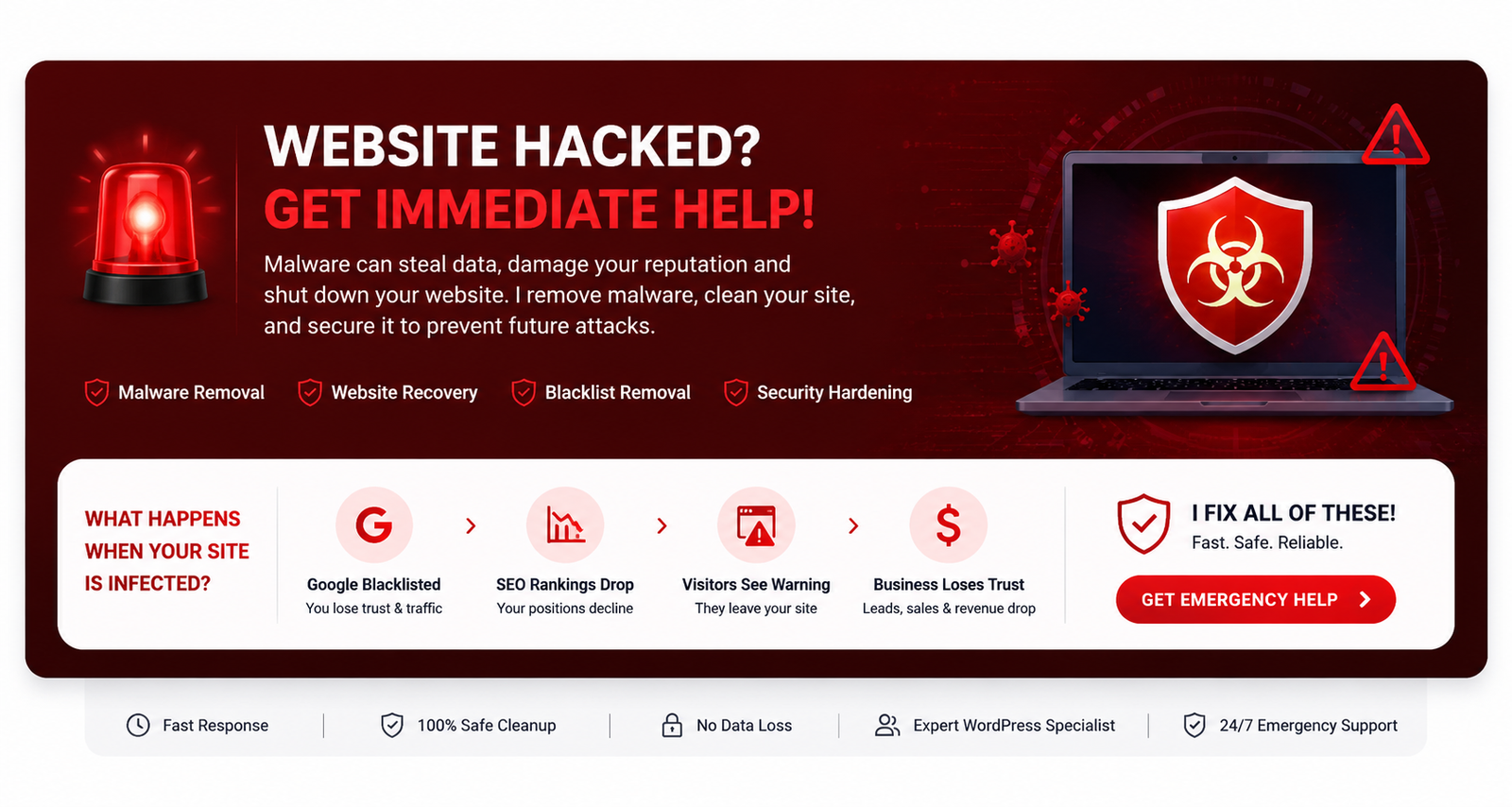
Why Trust Me?
Why Trust Me With Malware Removal?
Malware Cleanup
Hack Recovery
Blacklist Removal
Google Safe Browsing Issues
Redirect Virus Removal
SEO Spam Cleanup
Malware Removal
Malicious Code Cleanup
Redirect Fixes
Backdoor Removal
Blacklist Removal
File Restoration
Database Cleanup
Reinfection Prevention
Server Configuration
Technical Follow Up
WordPress Malware Removal Solutions
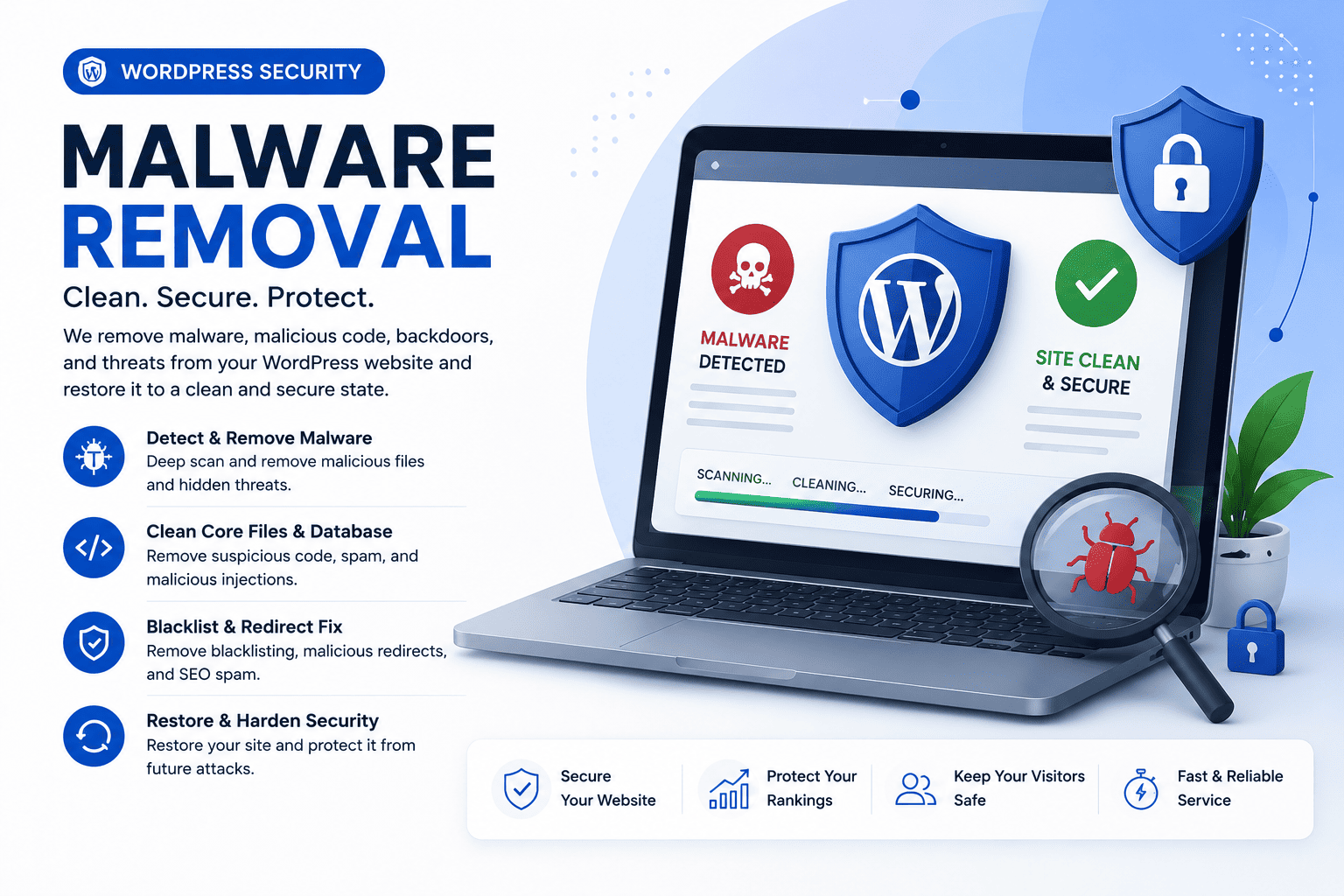
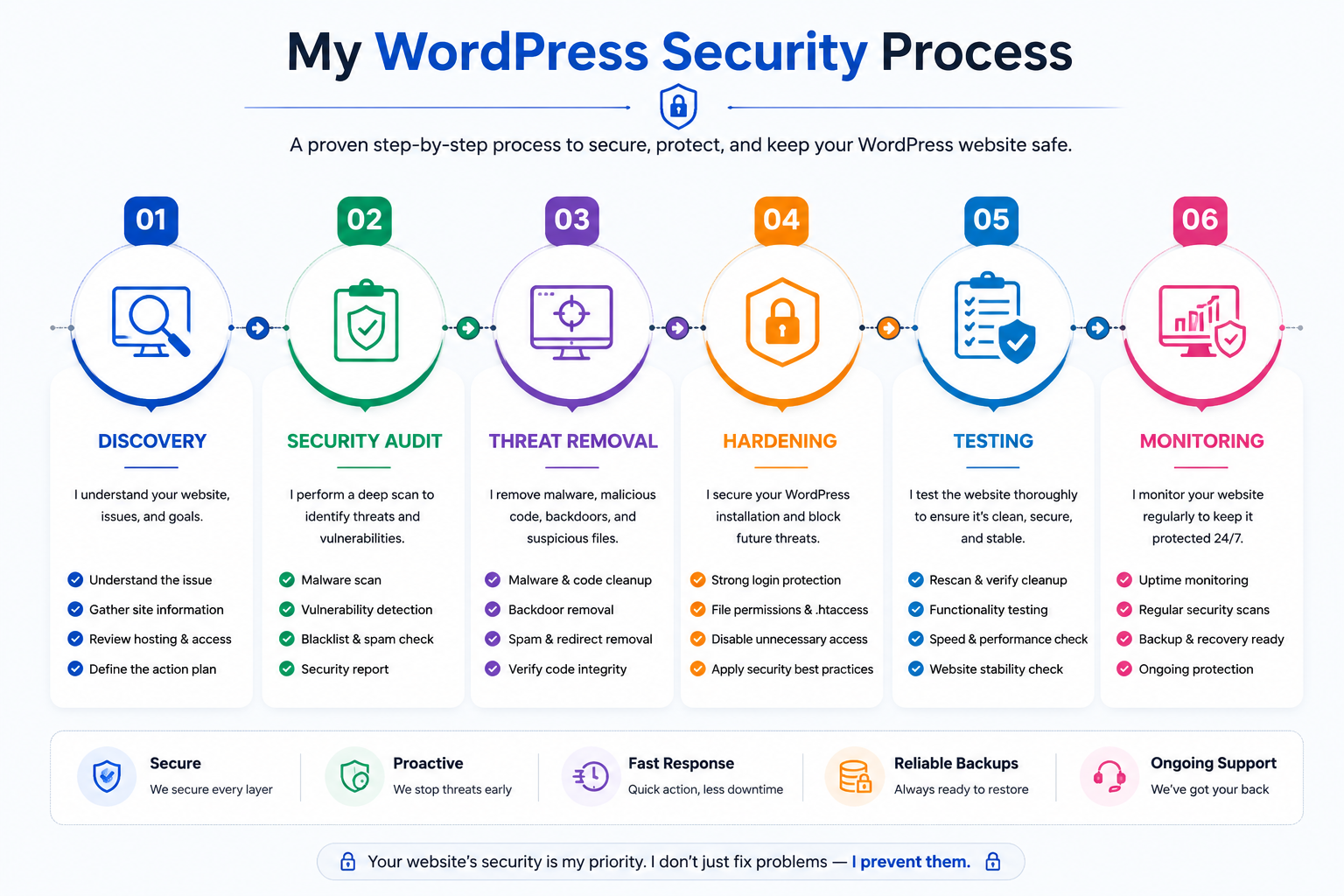
Malware Removal
Build professional, responsive WordPress websites that strengthen your brand, attract customers, and support business growth.
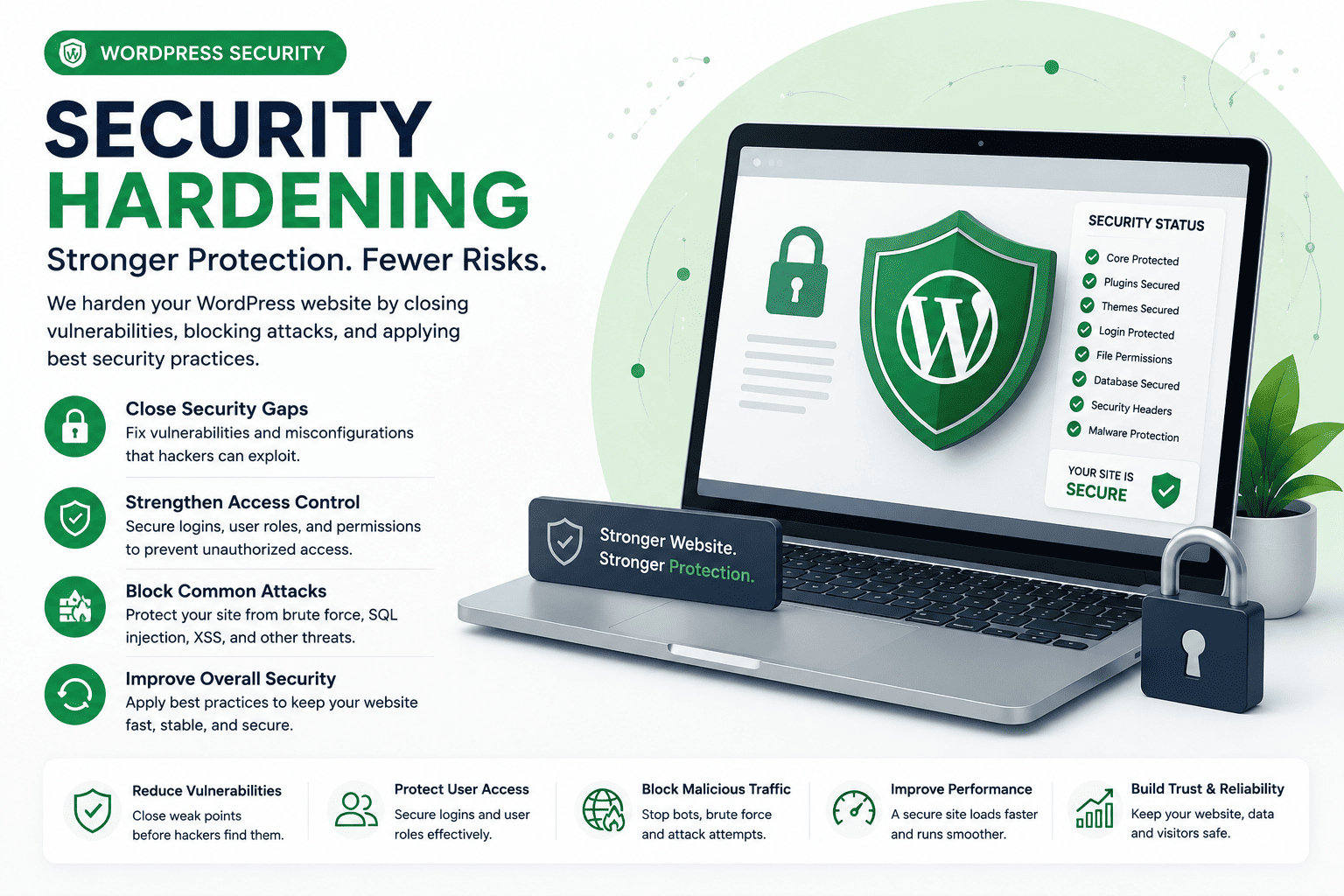
Security Hardening
Create secure, high-performing WooCommerce stores with seamless shopping experiences, payment integration, and easy product management.
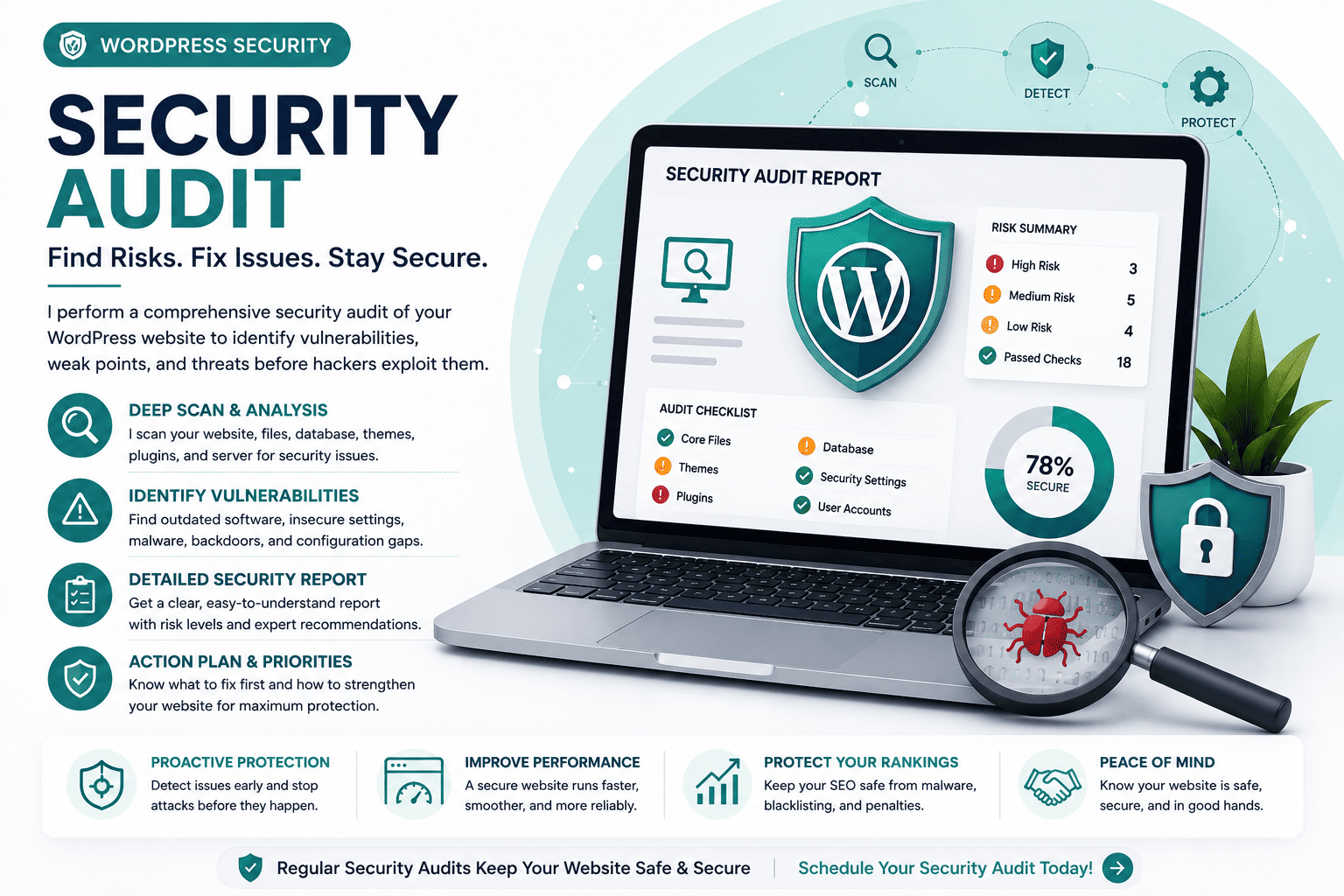
Security Audit
Design conversion-focused landing pages optimized for lead generation, marketing campaigns, and improved user engagement.
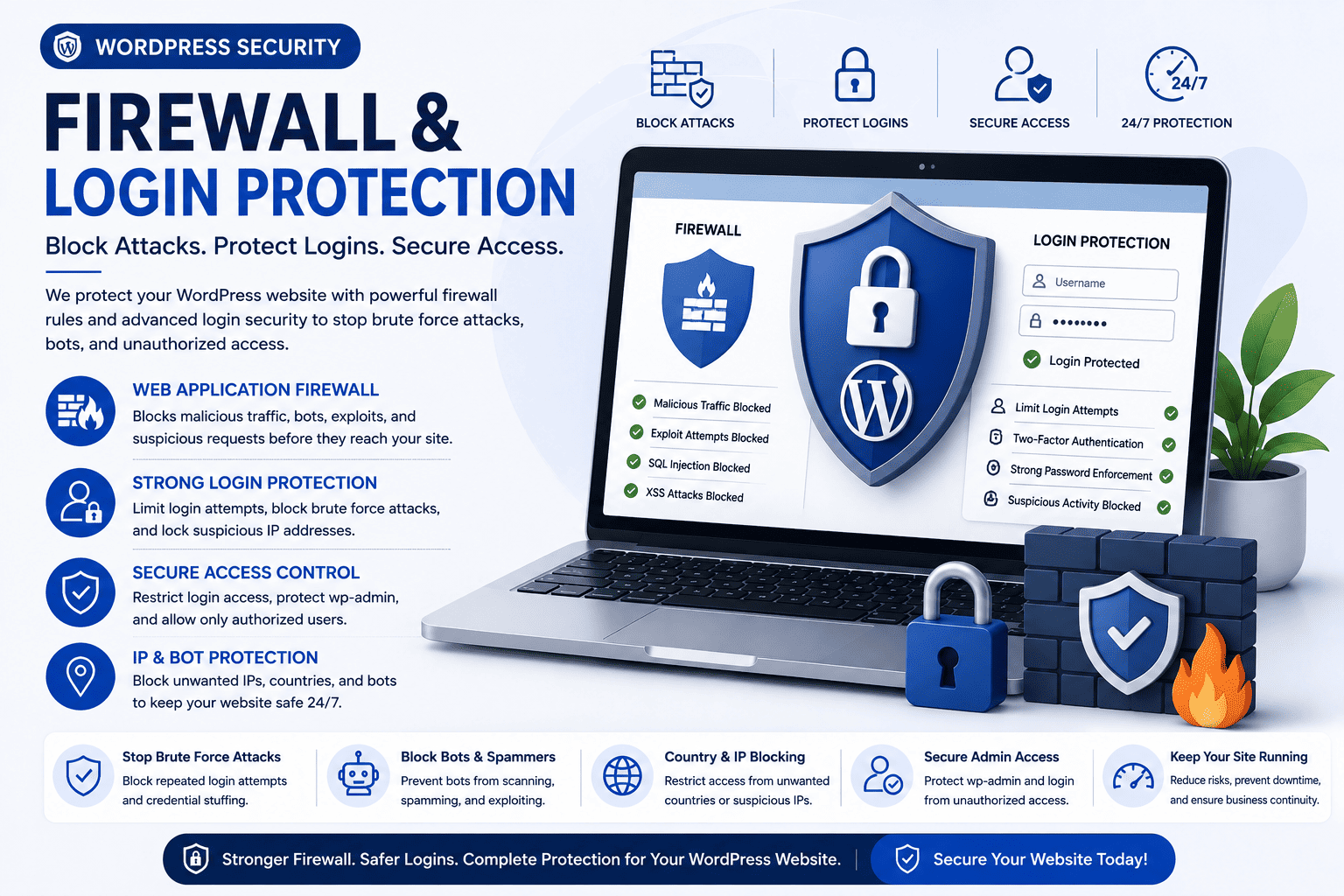
Firewall & Login Protection
Customize WordPress themes to match your brand, improve functionality, and deliver a unique user experience.
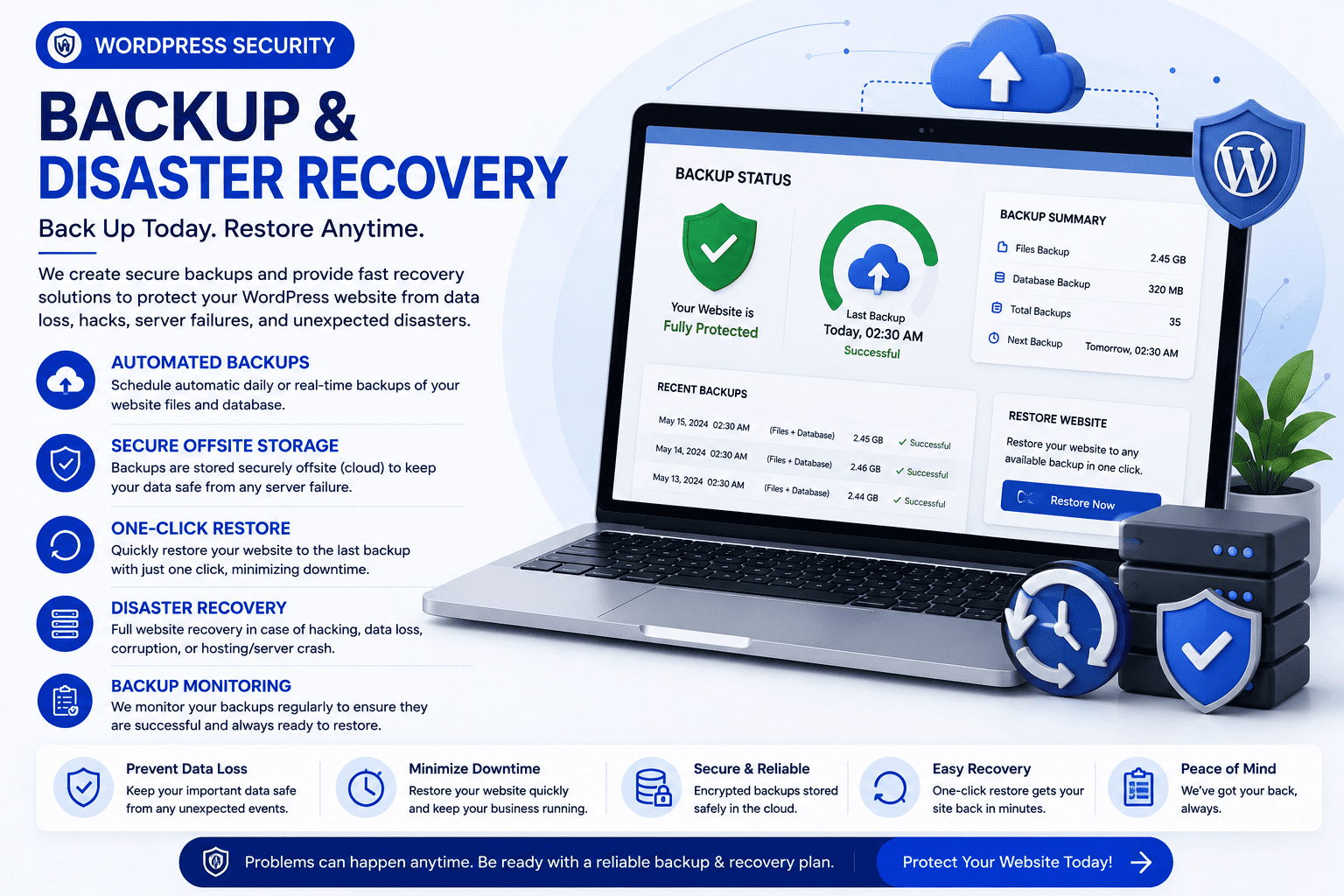
Backup & Disaster Recovery
Develop and customize WordPress plugins to add powerful features, automate workflows, and extend website functionality.
Ongoing Security Maintenance
Transform outdated WordPress websites with modern designs, improved performance, better usability, and enhanced SEO.
Signs Your Website Is Infected
- Redirects
- Spam Pages
- Hidden malware
- Suspicious admin users
- Google blacklist
- Slow website
- Warning messages
- Unexpected popups
Malware Cleanup Includes
- Remove malicious code
- Remove injected scripts
- Clean infected database
- Remove backdoors
- Repair core files
- Scan all plugins
- Secure wp-admin
- Final security audit
Malware Problems I Fix
- Pharma Hack
- Japanese SEO Spam
- Casino Spam
- Redirect Virus
- Hidden Backdoors
- Spam Users
- Malicious JavaScript
- Blacklisted Website
Security Tools I Work With
- Wordfence
- Sucuri
- Cloudflare
- Solid Security
- MalCare
- WP Activity Log
- LiteSpeed
- SSL
TESTIMONIALS
What People Are Saying

Our business website suddenly stopped working after a server issue. Debasis recovered the website, restored all important data, fixed the errors, and got everything running again.

Our Site was hacked and filled with malware. Debasis quickly cleaned the infection, removed malicious code, secured the website, and restored everything. Fantastic Performance.
FAQ
Frequently Asked Questions
Why is WordPress security important?
WordPress security protects your website from hackers, malware, data breaches, and downtime while safeguarding your business, visitors, and search engine rankings.
How long does malware removal take?
Most malware infections can be cleaned within a few hours to 24 hours, depending on the severity of the attack and the website's condition.
Do you secure WooCommerce websites?
Absolutely. I secure WooCommerce stores by protecting customer data, payment processes, user accounts, and critical eCommerce functionality.
What security plugin do you recommend?
The best plugin depends on your website. I recommend trusted solutions like Wordfence, Solid Security, or Sucuri based on your requirements.
How do hackers infect WordPress websites?
Hackers often exploit outdated plugins, weak passwords, vulnerable themes, poor hosting security, or outdated WordPress installations to gain unauthorized access.
Can you recover a hacked website?
Yes. I can remove malware, restore compromised files, recover your website, close security vulnerabilities, and help prevent future attacks.
Will my SEO rankings be affected?
If your website is hacked, rankings may decline. I clean infections, remove harmful code, and help restore your website's search visibility.
How often should WordPress security be checked?
WordPress security should be monitored continuously, with regular updates, malware scans, backups, and security audits to keep your website protected.